Updated: 19 November 2026


WinWinter Android App
WinWinter Android App: APK Download, Setup and First Login
Access the dedicated APK file directly from the WinWinter mobile site for a streamlined experience. This guide provides step-by-step setup instructions for your device, enabling Google Pay integration and instant push notifications for secure account management.
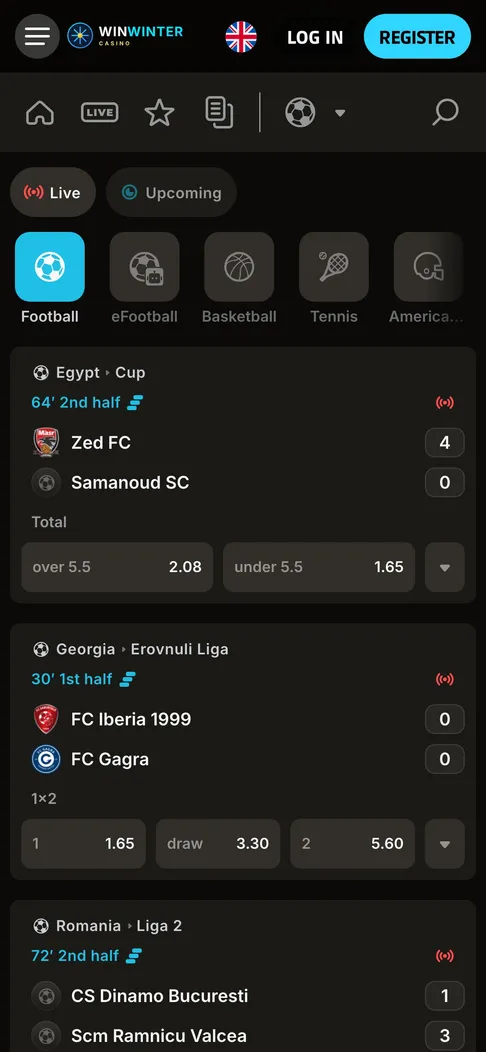
Live football in the WinWinter sportsbook on a phone, with in-play odds next to the score.
WinWinter Android app specifications at a glance
Getting started on a smartphone means knowing the precise layout of what is downloaded, how it communicates with the operating system, and what hardware footprint to expect before committing device storage. The WinWinter app brings the complete catalogue of over 3,000 games and the full sportsbook into a dedicated interface without forcing a return to mobile browsers for routine tasks. Android users handle setup through a direct file download rather than a standard store listing due to platform policies regarding real-money applications. Every asset from the casino engine to the live dealer streams runs inside an application package engineered specifically for touch input, quick gesture navigation, and low latency during live betting sessions.
| Item | Detail |
|---|---|
| Source | APK from the WinWinter mobile site |
| OS version | Android 8.0 or newer |
| Size | About 60 MB |
| Permissions | Push notifications, storage access |
| Login | Email and password, then fingerprint biometrics |
The installation package measures about 60 MB, leaving plenty of free space on typical devices while packing the entire casino floor, live studio feeds, and live sports betting slips into a single utility. Operating system compatibility stretches back to Android 8.0, meaning almost any phone or tablet manufactured within the last several years runs the software smoothly without performance throttling. Storage access is required strictly for caching game assets and temporary user files locally, which speeds up subsequent loading times when switching between slot titles or refreshing live match odds. Push notifications act as the primary bridge for account updates, letting users know instantly when a withdrawal clears or a weekly reload bonus becomes active in the cashier. For alternative Apple devices, players can consult the dedicated WinWinter app for iOS to check specifications tailored specifically for iPhone and iPad hardware.
WinWinter Android app installation steps and direct setup
Installing real-money software outside of traditional marketplace apps requires manual control over browser permissions and file handling on the device. Users must navigate directly to the WinWinter mobile site using Chrome or any preferred browser on their phone to obtain the correct installation package. Third-party APK files downloaded from unverified forums or mirror sites carry significant security risks, so sticking exclusively to the mobile domain guarantees an untampered binary containing the authentic client code. Once the file finishes downloading, the operating system blocks installation by default until the user explicitly grants the browser a one-time permission to install unknown apps.
- Open the mobile browser and visit the WinWinter site to locate the Android download button.
- Tap the link to download the approximately 60 MB APK file directly to local storage.
- Open the downloaded file from the notification shade or downloads folder.
- Accept the browser prompt requesting permission to install applications from unknown sources.
- Confirm the installation and wait a few moments for the shortcut icon to appear on the home screen.
- Launch the application, enter the registered email and password once, and enable fingerprint login for future sessions.
The entire process takes less than two minutes on a stable internet connection. After the initial sign-in, the system stores an encrypted session token, removing the need to type credentials repeatedly. If a password is forgotten, five incorrect entries trigger a thirty-minute security lockout, though recovery links arrive via email within minutes and remain valid for up to sixty minutes. The cashier handles deposits and withdrawals directly within the same interface, meaning players never need to jump back to a desktop computer to manage their bankroll.
WinWinter device requirements and OS version considerations
Hardware specifications dictate how well live dealer streams and fast-paced crash games render during high-volatility sessions. The platform requires Android 8.0 or any subsequent version of the operating system to maintain compatibility with modern security certificates and rendering libraries used by studios like Evolution, Pragmatic Play, and Playtech. Older hardware running legacy firmware versions below Android 8.0 will fail to parse the installation package or experience frequent crashes during memory-intensive operations like multi-table live blackjack. A stable internet connection via Wi-Fi or 4G/5G data is mandatory, as dropped packets during an active sports wager or slot spin can disrupt gameplay states.
Storage management is straightforward since the initial footprint sits at approximately 60 MB, but leaving an extra 500 MB of free space ensures smooth caching for high-definition slot graphics and live streaming video feeds. Permissions are limited to push notifications and local storage access, meaning the application does not read contacts, track location beyond standard regional compliance checks, or access device microphones. Notifications are entirely optional and can be toggled on or off at any time directly through the operating system settings menu. Users who prefer not to install any files can access the mobile browser version, which features the same games and cashier but lacks push alerts and biometric authentication.
WinWinter card, PayPal, and Google Pay payment methods
Managing funds on the go requires a cashier that processes transactions instantly while maintaining strict security standards. The Android application integrates every payment gateway available on the desktop platform, including traditional bank cards, modern e-wallets, and mobile-native payment solutions. Visa and Mastercard transactions process instantly for a minimum deposit of €15, with upper limits accommodating both casual players and high rollers. PayPal and Skrill offer swift alternative pathways, while Revolut bridges traditional banking and digital assets smoothly for international users.
Google Pay is fully integrated into the Android application, allowing users to complete deposits with a single tap using biometric verification already stored on the device. Apple Pay is absent on this operating system due to hardware restrictions, but Google Pay fills that exact role for Android owners. Cryptocurrencies including Bitcoin, Ethereum, USDT, and Litecoin provide decentralized funding options with minimal processing overhead. Every deposit must be wagered at least three times before any withdrawal request can be submitted, a standard anti-money laundering measure applied across the entire platform.
Withdrawal requests follow a structured approval timeline where the operator reviews documents within up to three business days, though most clean accounts see approvals within twenty-four hours once identity verification is complete. Once approved, e-wallet payouts hit accounts within twenty-four hours, crypto transfers settle in about one hour, Revolut takes one business day, and card payouts or Google Pay refunds require one to three business days. Minimum withdrawal limits start at €15, while daily caps reach €5,000 and monthly ceilings sit at €20,000. The platform charges zero fees on any transaction, though users should check with their specific bank or provider for intermediary charges.
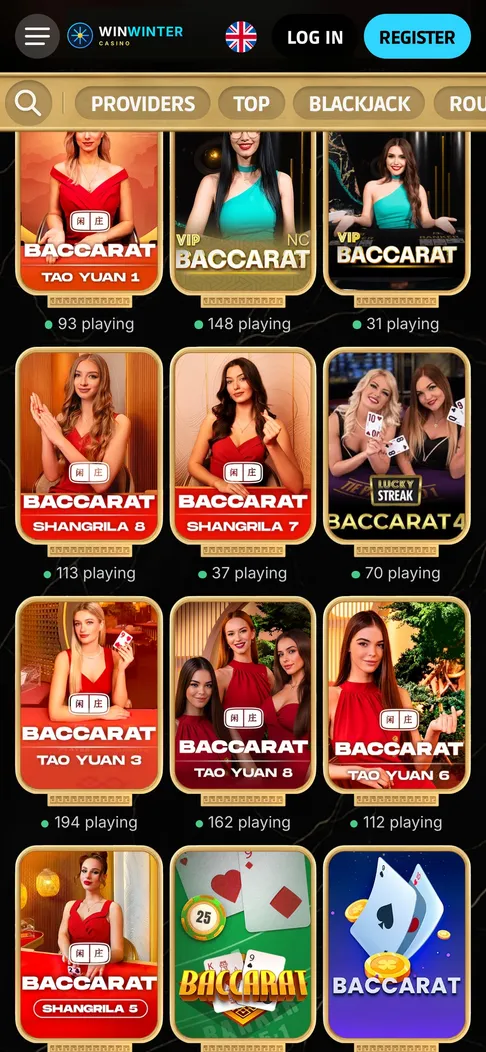
Live baccarat tables in the mobile lobby of the Android app.
WinWinter Android App: short answers
Can I download the WinWinter app from Google Play?
No, the WinWinter application is not available on Google Play. You must download the APK file directly from the WinWinter mobile website to install it on your device.
What Android version is required for the app?
Your device must run on Android 8.0 or higher to support the application. The installation file is approximately 60 MB, so you should ensure you have adequate storage space available.
How do I enable fingerprint login for my account?
Fingerprint and Face ID login become available after you complete the first password sign-in. This feature allows you to access your account quickly without needing to enter your password every time.
Does the app support Google Pay for deposits?
Yes, Google Pay is supported for deposits when using the Android application. You can also use methods like Visa, Mastercard, PayPal, Skrill, Revolut, or cryptocurrencies including BTC, ETH, USDT, and LTC.
What updates can I receive via push notifications?
You can opt in for push notifications regarding promotional offers, free-spin drops, withdrawal status updates, and match reminders. These alerts are designed to keep you updated on your account activity and available rewards.